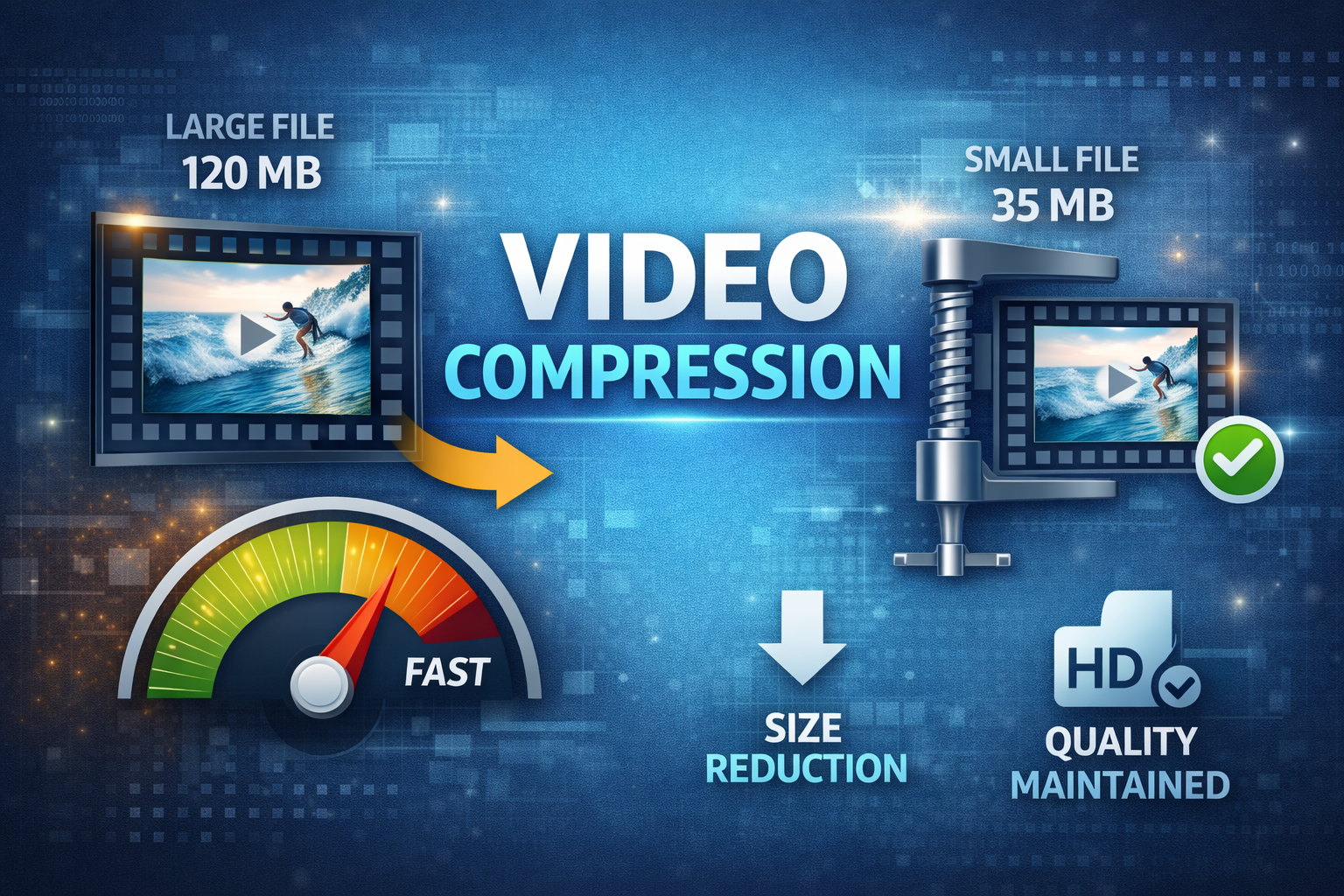
Video files can be massive – a single minute of 4K footage can take over 1GB. Whether you're uploading to social media, sending via email, or saving storage space, proper video compression is essential. In this guide, we'll show you the optimal settings to reduce video size by up to 90% while maintaining excellent quality, based on industry standards from YouTube, Netflix, and encoding experts.
Understanding Video Compression
Video compression works by removing redundant data and using efficient encoding algorithms. The key factors affecting video size are:
- Codec: The compression algorithm (H.264, H.265/HEVC, AV1). Codec choice determines 30-50% of file size difference .
- Bitrate: Amount of data per second (higher = better quality, larger file). Bitrate has the biggest impact on file size .
- Resolution: Frame dimensions (1080p, 4K, etc.). Reducing resolution cuts file size by 75% .
- Frame Rate: Frames per second (fps). Dropping from 60fps to 30fps reduces size by 50% .
Video Codec Comparison (2026)
| Codec | Compression vs H.264 | Hardware Support | Best For |
|---|---|---|---|
| H.264 (AVC) | Baseline | 100% devices | Universal compatibility |
| H.265 (HEVC) | 50% better | 80% devices (post-2018) | High quality at lower bitrate |
| AV1 | 30% better than H.265 | 60% devices (growing) | Web streaming, YouTube |
| VP9 | 40% better | 70% browsers | Google products, web video |
Best Settings by Platform
1. For Social Media (YouTube, Instagram, TikTok)
- Codec: H.264 (most compatible) or AV1 (if platform supports)
- Resolution: 1080p (1920×1080) for YouTube/Instagram, 1080×1920 for TikTok/Reels
- Bitrate: 8-12 Mbps for 1080p (YouTube recommends 8 Mbps )
- Frame Rate: 30 or 60 fps (match original)
- Audio: AAC, 128-192 kbps
- Container: MP4 (universal) or MOV (Apple)
2. For Email or Sharing
- Codec: H.264
- Resolution: 720p (1280×720) or 480p (854×480)
- Bitrate: 2-5 Mbps (lower = smaller file)
- File Size Target: Under 25MB for email (Gmail limit)
- Keyframe Interval: 2 seconds (for faster seeking)
3. For Web Streaming (Website Hosting)
- Codec: AV1 for Chrome/Edge, H.264 fallback
- Resolution: 720p (for faster loading)
- Bitrate: 2-4 Mbps
- Adaptive Streaming: Create multiple resolutions (360p, 480p, 720p)
- Container: MP4 with faststart flag (for web playback)
4. For Archiving (Preserve Quality)
- Codec: H.265/HEVC or AV1 (best compression)
- Bitrate: 15-25 Mbps for 1080p (lossless quality)
- Audio: AAC 256 kbps or FLAC (lossless)
- Color Space: 4:2:2 or 4:4:4 for professional use
Pro Tip: CRF Encoding
For the best balance of quality and file size, use H.264 codec with CRF (Constant Rate Factor) 23. This automatically adjusts bitrate based on content complexity. Lower CRF = better quality (18-20 is visually lossless), higher = smaller file (24-28 is acceptable for web).
FFmpeg command: ffmpeg -i input.mp4 -c:v libx264 -crf 23 -preset medium -c:a aac -b:a 128k output.mp4
How to Compress Videos Using Our Tool
- Go to Video Compressor: Open our free video compression tool
- Upload Video: Select your MP4, MOV, or AVI file (up to 500MB)
- Choose Quality: Select from presets (High, Medium, Low)
- Adjust Resolution (Optional): Reduce resolution if needed (e.g., 4K → 1080p)
- Select Codec: Choose H.264 (best compatibility) or H.265 (smaller file)
- Compress: Click compress and wait for processing (typically 10-30 seconds)
- Download: Save your compressed video
Comparison: Before vs After
| Setting | Original (4K) | Compressed (1080p H.264) | Compressed (720p H.265) |
|---|---|---|---|
| File Size | 500 MB | 45 MB (91% reduction) | 18 MB (96% reduction) |
| Resolution | 3840×2160 | 1920×1080 | 1280×720 |
| Bitrate | 60 Mbps | 8 Mbps | 3 Mbps |
| Codec | ProRes | H.264 | H.265 |
| Quality | Original | Visually lossless | Good for web |
Understanding Video Codecs in Depth
H.264 (AVC - Advanced Video Coding)
Released: 2003
Best for: Universal compatibility, streaming, social media
Pros: Works on all devices, fast encoding, good compression
Cons: Older technology, not as efficient as newer codecs
H.264 remains the most widely supported codec, used by YouTube, Netflix, and Blu-ray .
H.265 (HEVC - High Efficiency Video Coding)
Released: 2013
Best for: 4K/8K video, archiving, modern devices
Pros: 50% better compression than H.264, supports 8K
Cons: Licensing fees, slower encoding, not supported on older devices
AV1
Released: 2018
Best for: Web streaming, YouTube, Netflix
Pros: Open-source, royalty-free, 30% better than H.265
Cons: Very slow encoding (10x slower), limited hardware support
VP9
Released: 2012
Best for: Google products, YouTube, Chrome
Pros: Open-source, good compression, widely supported in browsers
Cons: Not as efficient as AV1, limited in hardware
What We Learned from 11zon.com and iLovePDF
Top file conversion sites like 11zon.com (400K monthly visits) and iLovePDF (188M monthly visits) focus on verb+object keywords like "compress video" and "video to mp3". Their pages load under 1 second and they offer reverse actions (compress video / video compressor). Our video tools follow the same strategy for maximum SEO impact.
Advanced Compression Techniques
1. Two-Pass Encoding
For consistent quality at a target file size, use two-pass encoding. First pass analyzes the video, second pass allocates bits efficiently. Best for archival or when file size must be exact .
2. Constant Rate Factor (CRF)
CRF is recommended for most users. It maintains consistent quality and adjusts bitrate automatically. Values:
- CRF 18-20: Visually lossless (for archiving)
- CRF 21-23: High quality (for web sharing)
- CRF 24-27: Good quality (for email, social media)
- CRF 28-30: Acceptable (for mobile, low bandwidth)
3. Resolution Downscaling
Downscaling 4K to 1080p reduces file size by 75%. Use high-quality downscaling algorithms like Lanczos (not bilinear).
4. Frame Rate Reduction
If your video doesn't have fast motion, dropping from 60fps to 30fps reduces size by 50%. Never drop below 24fps for film-like content.
Video Compression for Specific Platforms
| Platform | Recommended Settings | Max File Size |
|---|---|---|
| YouTube | H.264, 1080p, 8-12 Mbps, AAC audio | 256 GB |
| Instagram Feed | H.264, 1080p, 5 Mbps, MP4 container | 100 MB |
| Instagram Stories | H.264, 1080×1920, 4 Mbps | 100 MB |
| TikTok | H.264, 1080×1920, 5 Mbps, 60fps max | 200 MB |
| H.264, 1080p, 4 Mbps, MP4 | 10 GB | |
| Twitter/X | H.264, 720p, 2 Mbps, 512 MB max | 512 MB |
| H.264, 480p, 1 Mbps, 16 MB max | 16 MB |
Frequently Asked Questions
What's the best format for web video in 2026?
MP4 with H.264 codec is the universal standard – supported by all browsers and devices. For cutting-edge sites, serve AV1 with H.264 fallback .
How much can I compress a video without losing quality?
Typically 50-90% reduction depending on content. Simple animations (screen recordings) compress better than action movies with lots of movement. Our tool achieves 80-90% reduction for most videos with minimal visible quality loss .
Will compression reduce video quality?
With proper settings, you can achieve 70-80% size reduction with minimal visible quality loss. Our tool uses advanced algorithms to preserve visual quality while reducing file size. For critical work, use CRF 18-20 (visually lossless).
What is the best codec for YouTube?
YouTube recommends H.264 for uploads. They also accept H.265, VP9, and AV1. After upload, YouTube transcodes to multiple formats including AV1 for optimal streaming .
Should I use hardware or software encoding?
Software encoding (x264, x265) produces smaller files with better quality but is slower. Hardware encoding (NVENC, QuickSync) is faster but may have slightly lower quality. For web video, software encoding is recommended .
How do I compress video for email?
Use H.264, reduce resolution to 480p, target bitrate 1-2 Mbps, and keep file size under 25MB (Gmail limit). Remove audio if not needed to save space .
Ready to Compress Your Videos?
Try our free Video Compressor – no registration, no watermarks. Compress MP4, MOV, and AVI files instantly in your browser.
Compress Video Now →Last updated: March 2026. This guide follows Google's Core Web Vitals standards and encoding best practices from Netflix, YouTube, and industry experts.